





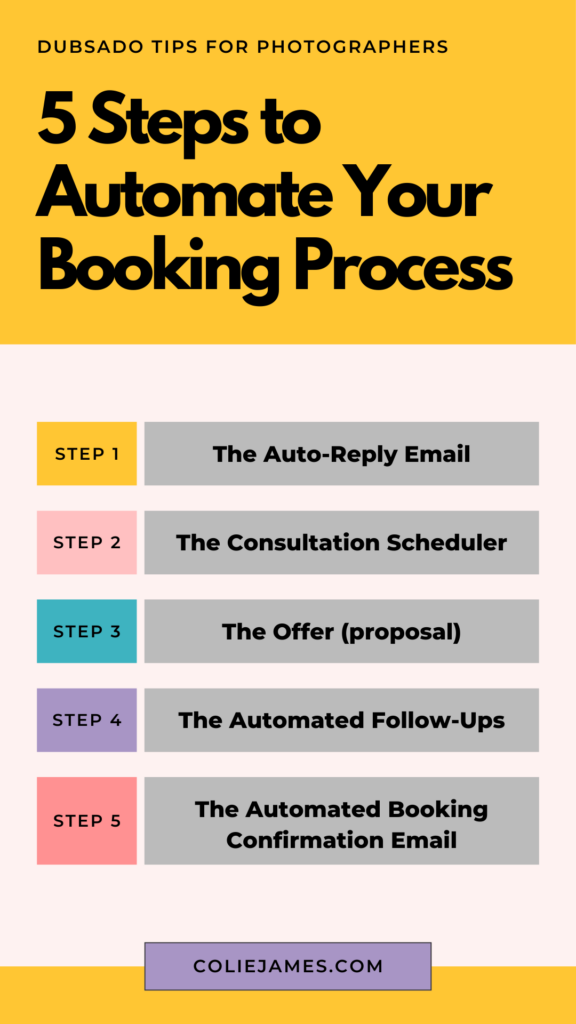
Automating your onboarding in Dubsado means setting up a workflow that handles every step from first inquiry to signed contract — without you manually sending a single email. The five core components are: an auto-reply email, a consultation scheduler, a proposal with contract and invoice attached, an automated follow-up, and a booking confirmation email. Once this workflow is live, new leads can book and pay without you being present.
You know why I love automating your onboarding stage? I can be riding Dumbo at Disney without a business care in the world. I don’t have to micro-manage my leads because any new inquiries will be automatically taken care of with my workflows.
That is an AMAZING feeling — and it’s available to every Dubsado user, including you, right now.
New here? Learn more about me, your Dubsado specialist for photographers.
This post is your bare bones get-started automation guide. If you’re brand new to Dubsado or you’ve had it set up for a while but haven’t actually automated anything yet, this is where to begin. You don’t need to build your entire client journey on day one. You just need these five steps running — and then you can build from there.
Jordan Craig, a wedding photographer in Lake Placid, was using Pixieset’s studio manager before switching to Dubsado. Every booking was fully manual — getting the initial questionnaire sent out, the contract, the invoice — and he was spending anywhere from 90 to 120 minutes on the booking process for every single client. After building out these five steps inside Dubsado, that same process now takes him five minutes. Every time. Without him having to be present for it.
Want to see what a fully automated booking process looks like in action? Here’s a behind-the-scenes look at how I use Dubsado in my own booking process.
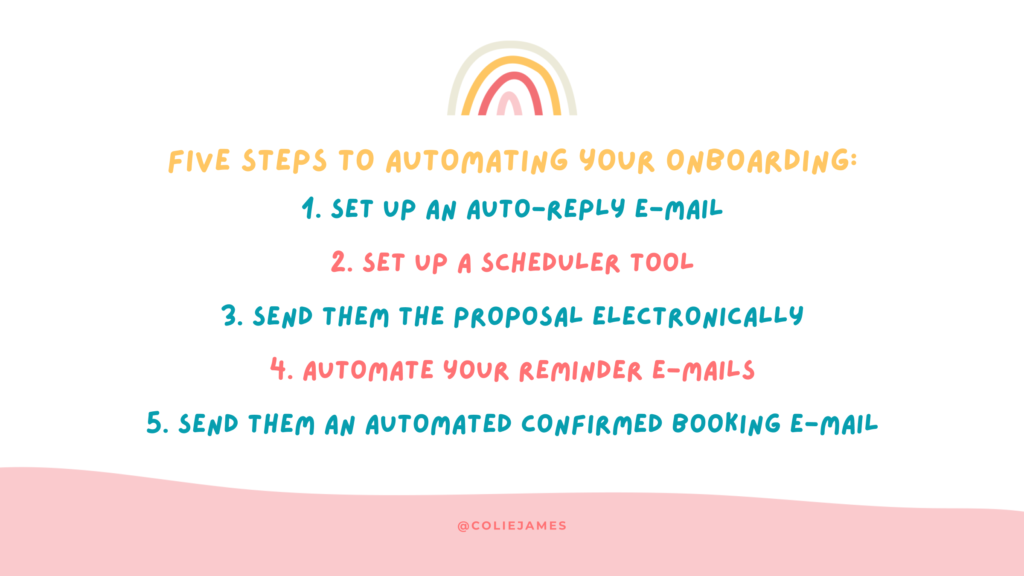
Step 1: Set Up an Auto-Reply Email in Your Dubsado Workflow
The moment someone submits your lead capture form, Dubsado should automatically send them a reply — no waiting for you to see the notification, no manually typing out the same email for the hundredth time.
This email should do three things:
- Thank them for reaching out and let them know you received their inquiry
- Share any information you want them to have before they book — your style, your pricing range, what to expect from working with you
- Tell them clearly what the next step is so they’re not left wondering
This email sets the tone for your entire client experience. It’s often the first communication a potential client gets from you after submitting the form — make it count. And because it’s a template, you can make it beautifully written, on-brand, and exactly what you’d say if you were sitting down to write it yourself. You just never have to write it again.
💡 Pro tip: If you use a flow question on your lead capture form — where the client selects which service or offer they’re interested in — you can assign a different workflow to each choice. That means Dubsado can automatically send a fully customized auto-reply email for each offer or session type, without you doing a thing. One lead capture form, multiple tailored responses. This is one of the most underused features in Dubsado and one of my favorites.
Step 2: The Consultation Scheduler
For many photographers, a discovery call is part of the booking process — a chance to connect with potential clients before they commit. If that’s you, your scheduler should be set up and linked directly from your auto-reply email so the path from inquiry to call is completely seamless.
A few things to get right here:
- Offer at least 3 blocks of availability across different days so clients have real options
- Keep the call short — 15 to 20 minutes is plenty for most photographers
- Add a confirmation email and at least two reminders so no-shows become a thing of the past
- Make sure the appointment triggers the next step in your workflow automatically
Want to dig into the details of how the Dubsado scheduler works — including the parts I love and the parts that drive me a little crazy? Read my full inside scoop on the Dubsado scheduler here.
Not sure if a discovery call is right for your business? I’ve talked a lot about simplifying your booking process and whether a consultation is actually necessary — worth a read before you decide.
Step 3: Send a Dubsado Proposal with Contract and Invoice Attached
This is where you wow them. Your Dubsado proposal is not just a price list — it’s a mini sales page for your business, and it should work hard for you.
A great proposal includes:
- Your work — images that represent the experience you deliver
- The features and benefits of your offer, written in a way that connects emotionally, not just logically
- A clear timeline of the process so they know exactly what to expect
- FAQs that answer the questions clients always ask before booking
- Your contract and invoice attached in the advanced settings so they can review, sign, and pay all in one step — no back and forth, no “I’ll send the contract separately”
That last point is critical. One of the biggest friction points in the booking process is asking clients to take multiple separate steps. When your contract and invoice are attached to your proposal, a lead can go from “I’m interested” to “I’m booked” without ever having to wait for a follow-up from you.
This is also where Dubsado’s customization shines — you can fully brand this proposal with your colors, fonts, and images so it feels like a natural extension of your website. For more on getting the most out of your Dubsado proposals, check out these hidden gems in Dubsado that most people miss.
Step 4: Automate Your Follow-Up with Dubsado’s ‘Form Not Completed’ Trigger
The money is in the follow-up — and the beauty of Dubsado is that it can do the following up for you.
If a potential client views your proposal but hasn’t signed the contract or paid within 48 hours, Dubsado can automatically send them a follow-up email. No reminder in your calendar. No “oops I forgot to check.” No leads slipping through the cracks during a busy season.
There is one important thing to know about setting this up: in order for the follow-up to be fully automated, you must send the proposal inside a workflow initially. Then use “form not completed” as your trigger to send the follow-up email. If you send the proposal manually outside of a workflow, the automated follow-up won’t fire.
This step alone — the automated follow-up — is one of the highest-ROI automations in all of Dubsado. Most photographers who implement it see an immediate increase in bookings, simply because leads who were interested but got distracted are now being followed up with automatically and consistently.
Want to see what a high-converting follow-up email actually looks like? Here are real follow-up email examples that increase bookings.
This is the most common setup mistake I see — and there are two others just like it. Here’s what breaks most Dubsado workflows.
Step 5: Send an Automated Booking Confirmation Email in Dubsado
Once a client signs their contract and pays their invoice, Dubsado should automatically send them a confirmation email. This is triggered by the contract being signed or the invoice being paid — your choice depending on your workflow logic.
This email should do more than just say “you’re booked.” Use it to:
- Confirm the details of what they booked and what happens next
- Send them a session guide, welcome guide, or any prep materials they need
- Get them genuinely excited about their upcoming experience with you
- Set expectations for when they’ll hear from you next
This is the moment a lead becomes a client — treat it that way. A great booking confirmation email starts the relationship off on the right foot and reduces the “what do I do now?” questions that eat up your inbox.
If you’re a wedding photographer, this confirmation is just the first touchpoint in a much longer sequence. Here’s the full wedding photography onboarding workflow — from booking confirmation all the way through to the day before the wedding.
Putting It All Together: Your Bare Bones Dubsado Workflow
These five steps form the foundation of an automated Dubsado booking process. Once they’re built and tested, a new lead can come in, receive an immediate reply, schedule a call, receive a proposal, sign their contract, pay their invoice, and get their confirmation — all without you lifting a finger.
For reference, here’s the flow:
- Lead submits contact form → Auto-reply email fires automatically
- Lead schedules a call → Consultation scheduler sends confirmation and reminders
- After the call (or instead of a call) → Proposal sent via workflow with contract and invoice attached
- If proposal not completed within 48 hours → Automated follow-up email fires
- Contract signed + invoice paid → Booking confirmation email fires automatically
That’s it. That’s the bare bones. And once it’s running, the results speak for themselves — less time spent on admin, fewer leads slipping through the cracks, and a booking experience your clients will actually remember.
For a bigger picture view of what your minimum viable systems should look like as a photographer, check out my post on bare bones business systems.
Ready to Build This Inside Dubsado?
If you’re starting from scratch and want to get into Dubsado, you can get 30% off your first payment (monthly or annual) using the code COLIEJAMES at checkout.
If you want to build this out properly — with someone in your corner making sure every step is connected correctly the first time — Systems in Session is the 60-day done-with-you program where we build your Dubsado workflow together from start to finish.
FAQ: Automating Your Onboarding with Dubsado
Yes. Dubsado’s workflow builder allows you to automate the entire onboarding sequence — from the first auto-reply email through proposal delivery, follow-up, and booking confirmation — without any manual action once the workflow is active.
A complete Dubsado onboarding workflow includes five steps: an auto-reply email triggered by the inquiry form, a scheduler link for a consultation call, a proposal with a contract and invoice attached, an automated follow-up email if the proposal isn’t completed within 48 hours, and a booking confirmation email once the client signs and pays.
TTo automate follow-ups in Dubsado, you must initially send the proposal inside a workflow — not manually. Then use “form not completed” as the trigger condition to fire a follow-up email after a set number of days. This only works if the workflow initiated the proposal send. For examples of what to actually write in that email, here’s a breakdown of follow-up emails that increase bookings →
vMost photographers can set up a basic Dubsado onboarding workflow in a few hours once their email templates, scheduler, and proposal are already built. If you’re starting from scratch, plan for a full day of setup — or use pre-built templates to cut that time significantly.



Signature Series


Your business works, but your backend is costing you.
A 4-Part Audio Series for service-based business owners who are ready to upgrade their “just fine” client experience, unlock higher pricing, increase referrals, and grow more sustainable revenue—without overworking behind the scenes.
Get the FREE 4-part audio training series
Systems That Sell


© 2022-2025 Colie James


