


A podcast where you join me (Colie) as I chat about what it takes to grow a sustainable + profitable business.
Business-First Creatives Podcast
CRM Guru, Family Filmmaker, and Host of the Business-First Creatives podcast. I help creative service providers grow and streamline their businesses using Dubsado, Honeybook, and Airtable.
Hey, I'm Colie
You became a family photographer because you love capturing real moments — the chaos, the giggles, the toddler who refuses to cooperate. What you did not sign up for is spending two hours a night answering the same inquiry emails, chasing down contracts, and trying to remember whether you sent that session prep guide.
If your backend feels like a second job, Dubsado for family photographers is the system that changes everything.
I’m Colie — a Client Experience Strategist, former family filmmaker, and the person photographers call when their workflows are a mess. I’ve helped hundreds of family photographers build Dubsado systems that actually work, and I’ve seen firsthand what happens when the right automations are in place: photographers get their evenings back, clients feel more taken care of, and the whole business runs smoother without you being the glue holding it together.
Here’s exactly how Dubsado works for family photographers — and why it’s worth setting up properly from the start.
New here? Learn more about me, your Dubsado specialist for photographers.
Dubsado is a client management system (CRM) that keeps your leads, contracts, invoices, questionnaires, and client communication in one place — and automates the repetitive steps in between.
For family photographers specifically, that matters a lot. You’re not just managing one session type. You’re juggling mini sessions, holiday sessions, extended family sessions, repeat clients, and referrals — often all at once, often with parents who have a lot of questions and very little time.
Dubsado is built to handle all of it. Here’s what it does that makes it especially well-suited for family photography businesses:
Handles post-session follow-up so gallery delivery, review requests, and rebooking emails go out without you lifting a finger
Keeps every client’s information, contracts, invoices, and emails in one project — no more digging through your inbox to find what you said six weeks ago
Automates your inquiry response so leads hear from you within minutes, not the next morning
Sends contracts and invoices automatically once a client is ready to book
Delivers pre-session questionnaires so you know the kids’ names, the vibe they’re going for, and what locations they’re considering before you ever pick up your camera
If you’re new to Dubsado, “workflows” might sound technical. They’re not. A workflow is simply a series of steps that happen automatically after a trigger — like a client submitting your inquiry form or signing their contract.
I teach five core workflows inside every Dubsado setup I build. Here’s how each one applies specifically to family photographers. (For a deep dive on all five, read the full workflow breakdown here.)
This kicks off the moment a family fills out your contact form. Dubsado sends an automated lead response immediately — even if it’s 11pm — acknowledging their inquiry, pointing them to your portfolio or pricing guide, and making clear what happens next. If they don’t respond within a few days, Dubsado follows up automatically.
Here’s the part most photographers miss: if someone selects “family session” on your contact form, Dubsado can automatically route them into a workflow specific to that session type. The email they receive is tailored to families, not a generic “thanks for reaching out.” That specificity is what turns a lead into a booking.
This alone can save you 1–2 hours per lead. During peak season, that adds up fast.
Once you’re ready to make an offer, your booking workflow sends a proposal that lets the client accept, sign, and pay in under five minutes — in one seamless flow. No separate contract link. No separate invoice email. Just a clean, on-brand experience that makes it easy to say yes.
What also matters here is the follow-up. If a family views your proposal but doesn’t complete it, Dubsado can automatically send a nudge — not a generic “let me know if you have questions,” but a thoughtful email that reiterates the value of working with you and makes it easy to book.
They booked. Amazing. Now what? This is what I call the “messy middle” — the project hasn’t started yet, but the relationship has. If you go quiet between booking and the session, you risk breaking trust before you ever pick up your camera.
Your pre-project onboarding workflow covers the welcome email, the session prep questionnaire (kids’ names and ages, location preferences, what they’re hoping to wear), and any reminders as the session date approaches. This workflow sets the tone for the whole experience — and it’s why photographers who use it consistently get fewer last-minute questions and more prepared, relaxed clients at the session.
This workflow runs during and after the session itself: the delivery confirmation, gallery access instructions, and updates that keep clients from emailing you to ask “where are my photos?”
When your delivery workflow is in place, clients feel informed and taken care of — even while you’re heads-down culling and editing. Christine Dammann, a lifestyle family photographer with 16+ years in business, uses this kind of intentional communication to make every client feel guided every step of the way. See how Christine thinks about client communication →
This is the workflow most family photographers skip — and it’s the one that pays off the most over time. Your offboarding workflow sends a review request, a thank-you email, and a rebooking prompt at just the right moment after gallery delivery.
For family photographers, repeat clients are the business model. A family who felt great about their experience is primed to rebook for the next milestone — the holiday session, the new baby, the updated portraits. But if you don’t ask, they move on. Natasha Sewell, a DC-based family and newborn photographer, has built her business around exactly this kind of intentional post-delivery follow-up — and it’s what keeps families coming back year after year. See how Natasha builds client loyalty →
Want to fully explore these workflows inside Dubsado? Check out the Dubsado Workflow Series below for a full breakdown of each workflow.
The most common thing I hear from photographers after we build out their Dubsado system isn’t “I’m saving so much time” — it’s “I feel so much calmer.”
That’s what happened with Erin Belles, a luxury family photographer who had been using Dubsado for years but only for contracts and invoices. She was in her fourth year of business, bookings were steady, but things were slipping through the cracks. Reminders weren’t going out. Clients were following up on things she’d meant to send. She’d watched tutorials, pieced things together from YouTube, but couldn’t get it to actually work the way she knew it could.
We spent 60 days inside Systems in Session building her complete client experience from scratch — a CSS-enhanced proposal, a full library of 33 email templates, and streamlined workflows for her family, newborn, and heirloom sessions. The outcome wasn’t just more automations. It was ease: drinking coffee before opening the laptop, taking a real vacation, and trusting her system to move clients forward without her. Read Erin’s full case study →
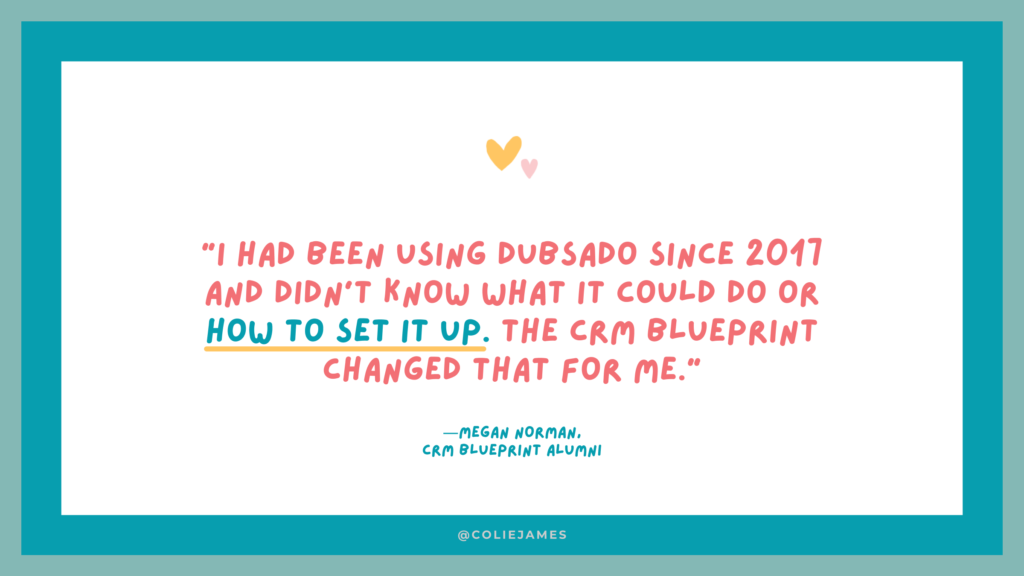
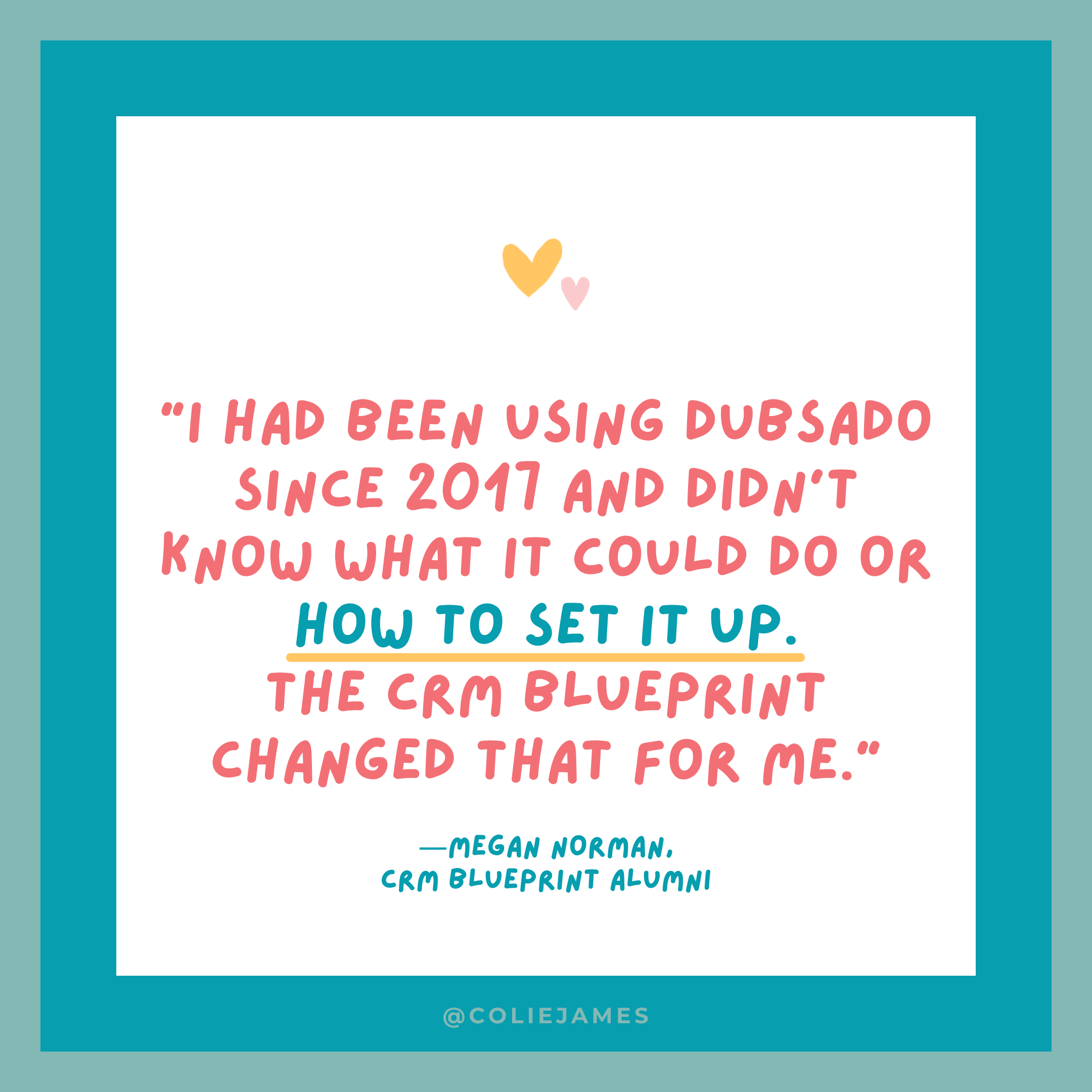
Megan Norman, a family photographer who had been using Dubsado even longer, started with just invoices and contracts before going through my CRM Blueprint course and later joining Systems in Session. Five years into her business, she now uses Dubsado the way it’s actually designed to be used: automated follow-ups, beautiful proposals, and workflows that move clients forward without her having to chase anyone. See how Megan approached her CRM setup →
You don’t need to use every feature in Dubsado on day one. Here’s what matters most for family photographers:
Email Templates Write your most-used emails once — inquiry response, welcome email, session prep, gallery delivery, rebooking prompt — and reuse them every time. Dubsado inserts the client’s name, session date, and other details automatically, so they still feel personal.
Questionnaires Family photographers who use Dubsado’s questionnaire feature consistently say it transforms their sessions. Knowing the kids’ names and ages, the family’s energy, and what locations they’re considering before you arrive means you can show up fully present instead of gathering information on the fly.
Proposals Dubsado’s proposals let you showcase your work visually — with images, pricing, and a booking button — in a way that feels like an extension of your brand. When a family can see your portfolio and book in one seamless flow, the experience starts strong before the session ever happens.
The Scheduler Instead of back-and-forth emails about availability, clients pick a time that works for them directly from your calendar. One fewer email thread per booking.
Want to dive in more? I walk through the four Dubsado templates photographers need to make the most of their setup in this post.
Yes — with one important caveat: Dubsado is worth it when it’s actually set up.
The photographers who struggle with Dubsado are almost always using it at 10% of its capacity: a contract here, an invoice there, and a lot of manual work in between. Dubsado is not a simple tool. It has a learning curve, and the initial setup takes real time and intention.
But when it’s built properly? It works in the background while you focus on what you’re actually good at — photographing families.
If you want to know whether to DIY your setup, take a course, or work with someone 1:1, this breakdown of a DIY course vs. Systems in Session will help you figure out which approach fits where you are in your business.
Here’s the approach I recommend for family photographers who are brand new to Dubsado:
Start with one workflow — your inquiry to booking process. Don’t try to build everything at once. Get leads booking smoothly first, then layer in your pre- and post-session workflows.
Write your emails before you build the automations. Most photographers get stuck inside Dubsado because they’re trying to write their emails and set up triggers at the same time. Draft your templates first, then plug them in.
Think through your existing process step by step. Write down every email you currently send from inquiry to gallery delivery. That list becomes your workflow map.
Give yourself permission to iterate. Your first version doesn’t have to be perfect. Dubsado is flexible — you can always adjust triggers, swap out templates, and refine your timing as you learn what works.
If you’re a family photographer who’s tired of doing everything manually — or you have Dubsado but aren’t sure it’s doing what it’s supposed to — I can help.
Systems in Session is my 60-day done-with-you container where we build your complete client experience inside Dubsado together. You come out with workflows that run, emails that sound like you, and a system you actually understand.
Have questions before you decide? Let’s chat.
Yes. Dubsado works especially well for family photographers because it handles multiple session types, automates the high-volume communication that comes with family bookings, and lets you create a client experience that feels personal even when it’s largely automated.
Dubsado can automate your inquiry response, contract and invoice delivery, session prep questionnaires, reminder emails, post-session thank-you emails, gallery delivery follow-up, and rebooking prompts — essentially every repeatable touchpoint in your client journey.
Setup time varies depending on how you approach it. A complete client experience — including workflows, email templates, questionnaires, and proposals — typically takes months to build and test properly without guidance. Working through a done-with-you program like Systems in Session significantly shortens the timeline.
Both work well for family photographers. Dubsado offers more customization, especially for proposals and forms, which makes it a strong choice for photographers who want their client touchpoints to match their brand closely. HoneyBook has a native integration with Pic-Time, which is worth noting if that’s your gallery platform. See the full comparison here.
The difference is usually the workflows. Most photographers who DIY Dubsado end up using it for contracts and invoices only — which is a fraction of what it can do. Working through a structured course or a done-with-you program ensures you actually build the automations that save the most time.
Your business works, but your backend is costing you.
A 4-Part Audio Series for service-based business owners who are ready to upgrade their “just fine” client experience, unlock higher pricing, increase referrals, and grow more sustainable revenue—without overworking behind the scenes.
Get the FREE 4-part audio training series
Systems That Sell
© 2022-2025 Colie James
Close
Start dates available for Q3 2026
Join the waitlist and get first dibs, unlock your FREE 10-minute audit + a surprise bonus if you grab a spot for Q3. Doors Open June 18th.