A podcast where you join me (Colie) as I chat about what it takes to grow a sustainable + profitable business.
Business-First Creatives Podcast
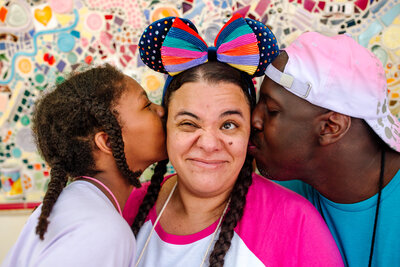
CRM Guru, Family Filmmaker, and Host of the Business-First Creatives podcast. I help creative service providers grow and streamline their businesses using Dubsado, Honeybook, and Airtable.
Hey, I'm Colie

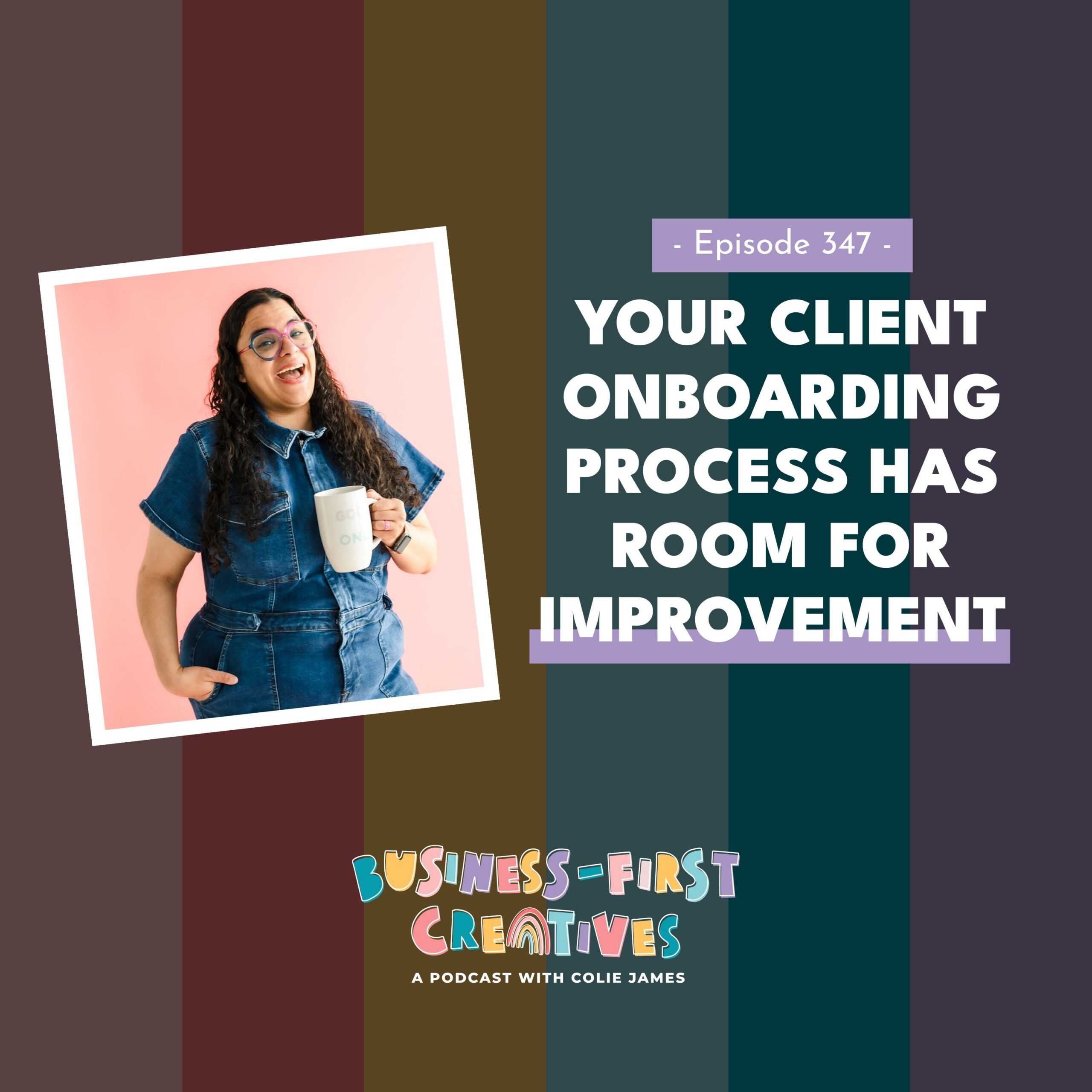
Y’all, I was desperately trying to take a break from vibe coding and building apps, so I recorded a quick and dirty episode about something I’ve been seeing over and over inside my Experience Edit and Systems in Session client accounts: your client onboarding process is not good. And I know most of you aren’t doing it on purpose. You want it to be better — you just don’t know what “better” looks like, or you’re so focused on making it personal that nothing actually gets sent. So instead of another rant, I’m answering the three onboarding questions I get asked more than any others.
Listen to the Episode
Listen on: [Apple Podcasts] | [Spotify] | [YouTube] | [Amazon Music]
What You’ll Learn in This Episode
- Why a booking confirmation email is non-negotiable even when your CRM already sent the payment receipt and the signed-contract notification — and why it needs to be the last thing to land
- The “kitchen sink email” mistake I find in almost every account I audit, and what to drip out over time instead
- Why I’m telling every client to ditch the heavily designed PDF prep guide for a live Canva link (and the exact scenario where the PDF bites you)
- What actually belongs in a welcome or prep guide, using a newborn photographer as the example
- How to decide when to send your client questionnaire based on how far out your clients book and when you genuinely need the information
- The three onboarding non-negotiables I want you to check before you build anything new
Why Your Client Onboarding Process Deserves More Than a Receipt
No matter how many times I say the onboarding phase is a critical point in the buyer journey, I keep opening client accounts and finding the same thing: someone pays hundreds, sometimes thousands, of dollars, and the only emails that land in their inbox are a payment receipt and a “your contract has been signed” notification.
That’s not onboarding. That’s a transaction.
And here’s what I want to be clear about, because I’m not here to make you feel bad. Most of you are not doing this on purpose. You want your onboarding to be better. You either don’t know how to structure it, or you’re so committed to making every message personal that you never build anything repeatable — which means half your clients get the warm version and half get nothing at all.
So let’s fix it by working through the three questions my own clients ask me most.
If you want to see where onboarding sits inside the whole journey, start with How to Create a 5-Star Photography Client Experience From Inquiry to Offboarding — it covers the welcome email, prep guide, and questionnaire trio directly.
Question 1: “Do I Really Need a Booking Confirmation Email?”
The full version of this question usually goes: “Colie, if they get a receipt for the payment and they get a separate email for the contract being signed, do I really need to send them a booking confirmation email too?”
Absolutely. Yes. Every single time.
Why the Receipt and Contract Emails Don’t Count
Both of those emails are stale. They typically have zero personality. In a lot of the CRMs you’re working in, they’re globally sent system emails you have very little control over — you can’t make them sound like you, and you definitely can’t use them to tell someone what happens next.
Think about it from the client’s side. You just committed to paying somebody a meaningful amount of money. Don’t you want an email that says thank you and gives you a little more information about where we’re going from here? That’s the entire job of the booking confirmation, and nothing else in your system is doing it.
“Should I Wait a Day or Two So It Doesn’t Get Buried?”
This is the follow-up I get almost every time, and my answer is absolutely not.
If the payment confirmation is landing and the contract confirmation is landing, you want your nice, personality-filled booking confirmation to land last — so it’s sitting highest in their inbox. Send it the same day they book. Ideally, minutes after.
Want the mechanics of that handoff — what fires the moment the proposal gets signed and paid? That’s in Dubsado Booking Workflow: Proposals and Follow-Up Emails That Get You Paid.
The One Requirement: Don’t Send a Kitchen Sink Email
Everybody should be sending a booking confirmation. But I do have a rule.
When I go into a client’s account, or when I’m auditing someone else’s, I regularly find what I call the kitchen sink email. It’s the booking confirmation that also contains the prep guide, the styling information, how to prepare your house, what to wear, everything about the service — all in one email with five different links.
Nobody is reading that entire email. Nobody is clicking all five links. And nobody is remembering anything you told them.
What I love instead is figuring out everything your client needs to know across the whole engagement and then dripping it to them on a cadence they can actually consume. The booking confirmation says thank you and tells them the immediate next step. Everything else gets its own moment.
Question 2: “How Should I Send a Prep Guide?”
More and more, I’m telling my clients to ditch the heavy, beautifully designed PDF welcome guide and recreate it in Canva as a live link.
Why a Live Link Beats a PDF
Here’s the scenario that convinced me. You update your welcome guide — new section, new pricing for add-ons, a better explanation of your what-to-wear advice, whatever. Great. Except the client who booked you three months ago still has the old PDF sitting in her inbox, her session is around the corner, and she is never going to see the brand-new version you just spent a weekend on.
With a live Canva link (or a hidden page on your website), the link you sent her three months ago now opens the current guide. Every client is always looking at the latest version, and you never have to re-send anything or apologize for outdated information.
So my recommendation: every welcome guide, prep guide, styling guide — anything you would previously have attached as a PDF — gets rebuilt as a live link.
“Okay, But What Goes in the Prep Guide?”
Y’all, everything you were previously cramming into that kitchen sink email.
If you’re a newborn photographer, that’s when the best time to schedule the session is, what props they should have on hand, how to prepare their house, what everyone should wear. All of it lives inside the welcome guide, and you send that link right after booking or within a couple of days.
Then, at strategic touchpoints later in the process, you resend the guide — but this time you point to one specific section they need to pay attention to right now. Two weeks out? “Here’s the guide again; the what-to-wear section is the one to look at this week.” That’s how you get people to actually read the thing.
The onboarding post in my seven-part workflow series walks the prep guide and questionnaire together, and it’s the closest match to this whole episode: Dubsado Onboarding Workflow: Stop Going Silent After the Deposit. If you shoot families, Dubsado for Family Photographers has the family-session version.
Question 3: “When Should I Send a Client Questionnaire?”
Notice I didn’t say should you send one. Everybody should be sending a client questionnaire. Photographers, website designers, systems strategists — we all need our clients to tell us more so we can do our jobs better.
When you send it is completely dependent on the service you’re offering and when you need the information.
If Your Clients Book Months Ahead, Send It Closer to the Session
I’ll fall back on photographers here because so many of you are in my audience.
If you’re a family or newborn photographer, I’d strongly recommend sending the questionnaire a set number of weeks before the session, not at booking. Picture a newborn client who books you at 15 weeks pregnant. What she can tell you today is not what she’ll be able to tell you at full term. Maybe the nursery isn’t done. Maybe they haven’t decided what they want the session to include. Maybe the sibling situation has changed.
The same logic applies to anyone who books far in advance and uses the questionnaire to plan the session. If the things you’re planning around might change between booking and the session, the questionnaire needs to fire off the session date, not off the booking date.
If You Need the Information Early, Send It After Booking
If you’re a brand photographer, or a wedding photographer doing an engagement session early in the relationship, you need that information sooner. Send the questionnaire timed right after they book — whenever the point in your process is where you genuinely need to know what they’re going to tell you.
That’s the whole rule: send it when you need the answers, not when your CRM makes it convenient.
This is exactly why I plan workflows around the session date instead of chaining every step off the previous action — the full reasoning is in Dubsado Workflows: Plan Before You Build. And if your questionnaire has been going out at the wrong time and you didn’t know why, it’s probably on my list of Common Dubsado Workflow Mistakes.
The Three Onboarding Non-Negotiables
Before you go redesign anything, here’s what I want you to check against:
- Everybody gets a booking confirmation the same day they book. Personality-filled, thank-you-first, and landing after the receipt and contract emails so it sits at the top.
- Everybody gets a prep guide — and it’s no longer a PDF. A live Canva link or a hidden page on your website, so every client always sees the current version.
- Questionnaire timing depends on your service. Tie it to when your clients book and how early in the process you actually need the information.
Stop sleeping on your onboarding process. Make it good, and make sure your clients don’t regret hiring you the minute their payment clears.
If You’re Saying “I Swear I Want to Do This Better, Colie”
If you’re the person going, “I want to do a better job, I just don’t know what to do,” this is exactly what we build inside The Experience Edit. We map what your clients need to know, write the emails, and put every one of these touchpoints on a cadence that runs without you babysitting it.
Details are at coliejames.com/experience.
And if you take fifteen minutes this week to fix even one of these three things, come tell me about it on Threads. I genuinely want to hear it.
Prefer to hear it? Listen to the full episode above.
Links Mentioned in This Episode
- The Experience Edit — where we design and write your onboarding phase together
- How to Create a 5-Star Photography Client Experience From Inquiry to Offboarding — the full journey, onboarding included
- Dubsado Booking Workflow: Proposals and Follow-Up Emails That Get You Paid — what fires right after they pay
- Dubsado Onboarding Workflow: Stop Going Silent After the Deposit — the onboarding post in the seven-part series
- Dubsado for Family Photographers — prep guide + questionnaire for family sessions
- Dubsado Workflows: Plan Before You Build — timing off the session date, not previous actions
- Common Dubsado Workflow Mistakes
- Why We Design the Client Experience Before We Build Workflows


Signature Series


Your business works, but your backend is costing you.
A 4-Part Audio Series for service-based business owners who are ready to upgrade their “just fine” client experience, unlock higher pricing, increase referrals, and grow more sustainable revenue—without overworking behind the scenes.
Get the FREE 4-part audio training series
Systems That Sell


© 2022-2025 Colie James


