




Way too often I see photographers jump into Dubsado, connect their email, add a payment processor, drop in a contract, and call it a day. And then wonder why it still feels like so much work.
You do not need to set up your entire Dubsado account in a single sitting. But spending three hours on a bare minimum setup will get you actually using Dubsado now — so when you are ready to optimize, the foundation is already there.
That is what this post is. A starting point. Not a finish line.
If you set this up and find that something still is not working the way you expected — leads going quiet, workflows not firing, still doing things manually — this post will help you figure out what is missing.
And if you would rather skip the DIY entirely, Systems in Session is where we build the whole thing together. You can also browse all my Dubsado setup help and resources if you are not sure where to start.
Suggested Dubsado Setup in 3 Hours
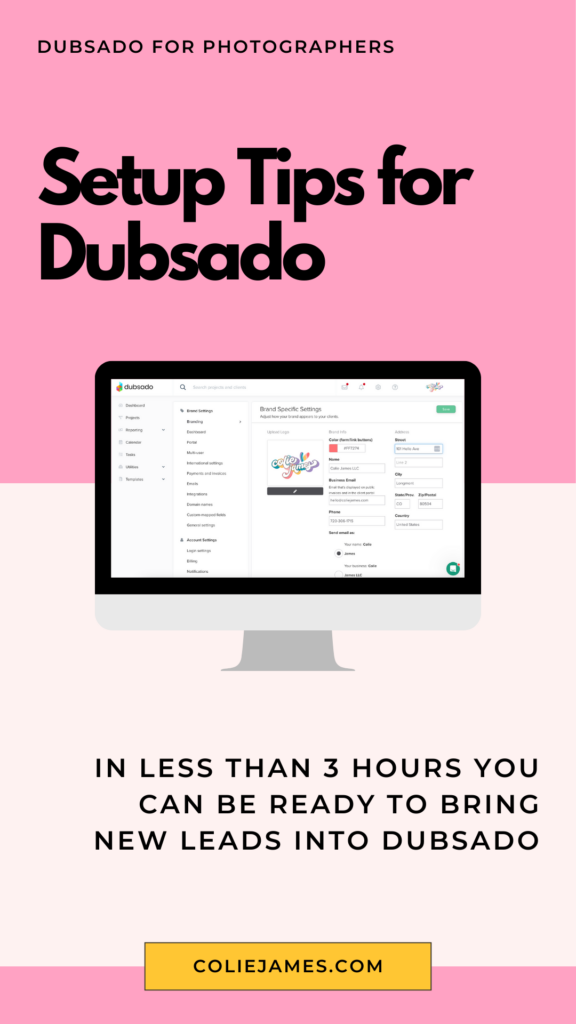
So here is my suggested plan of action to spend 3 hours doing a bare minimum setup so that you can streamline part of your booking process before the busy season hits.
- Brand Account Settings (less than 30 minutes)
- Canned Emails (30 minutes)
- Packages (10-15 minutes)
- Contract (10-30 minutes)
- Payment Schedules (10 minutes)
- Booking Proposal (10-30 minutes)
- Basic Inquiry Workflow (5-20 minutes)
- Lead Capture (5-15 minutes)
So in 2-3 hours you can be completely ready to process leads into your account in Dubsado (or virtually any other CRM).
Basic Account Settings
There are a lot of brand-specific things you can do in Dubsado, but doing the bare minimum here are the only ones you NEED to start accepting clients.
- Add your logo, business name, address, and email to the brand settings.
- Connect your email so Dubsado can send emails with your email account.
- Connect your calendar so that any booked sessions appear on your external calendar (and if you want to use schedulers, this helps avoid being double-booked)
- Connect your payment processor (to receive payments)
Canned Emails
This should be a copy & paste job from emails that you already have. If you need a list of suggested emails (bare minimum):
- Inquiry response
- Ask for the call (if you do phone consultations)
- Send the offer
- Confirm the booking
- Session Reminder
And please — don’t let your Dubsado account become a junk drawer of half-finished drafts.
Download my free guide, Emails That Convert, and I’ll show you how to build a simple, strategic email library using my 3P Framework. Inside, you’ll get swipeable templates for the three must-have client emails so your communication feels consistent, clear, and actually like you.
Fill out the form below for instant access!
Packages
I am talking bare minimum here again guys. Just enter your signature offer or what you plan to sell in the next 90 days. Price and description only, you can get fancy or add in your entire offerings when you have time set aside or on an as-needed basis.
Contract
If you copy & paste your contract into one text block, add in your logo, use a smart field to populate what they are booking, and a signature line for yourself and the client, you can have this done in 5-10 minutes. If your contract has additional smart fields or you have a lot of sections you want then to initial, this might take closer to 30 minutes to format.
Payment Schedules
If you do session fee and then collections after you only need a PAY IN FULL payment schedule. This would be Relative: 0 days after the contract is signed + 100% due. No payment reminders are required.
If you have a retainer + balance situation, then create a second payment schedule with your desired parameters. Example: $X 0 days after the contract is signed + 100% due X Days before the project date. Note: that 100% if referring to 100% of the balance, not 100% of the original total!
Proposal
It pains me to say “do the minimum” because these are definitely the jewel of the Dubsado forms. However, at the bare minimum, a proposal can just be your logo, the package prices, and then collect their personal information. In the SETTINGS tab click to show both an invoice and a contract you create in step 4. TIP: if you only offer one product, just preselect it and leave off the SELECT button.
*If you don’t want to start from scratch, I have a photographer Dubsado proposal template ready for you to customize.
Workflows
This is the most powerful part of Dubsado — and the part most people either skip entirely or try to build all at once and give up.
For a bare minimum setup, you only need one workflow and it only needs to do one thing: send your auto-response email when someone fills out your lead capture form. That is it. That is the whole job right now. It takes about five minutes to create and it means no lead ever submits your form and hears nothing back.
When you are ready to go a level deeper, the next move is creating a separate workflow for each session type you offer so that every inquiry gets a response that actually matches what they asked about. A family session inquiry gets a different email than a newborn inquiry. That is where things start to feel like a real system.
When you have time to go even deeper than that, the Dubsado Workflow Series walks through how to plan and build workflows from scratch. And if you want a head start on what workflows every photographer actually needs, this free guide breaks down the four I recommend and exactly what goes in each one.
But right now? One workflow. One auto-response. That is enough.
Lead Capture
You can totally use the default lead capture to save time now and add in additional questions later. NOTE: If you offer more than one service (and you need BOTH for busy season), just be sure to add in a workflow question so you can send the appropriate auto-response email to all inquiries based on that service. The approximate time includes embedding the form on your website.

That’s it guys, less than 3 hours of prep/implementation and you can have a streamlined process to book your clients for the busy season. I hope this makes the busy season just a little more bearable for you this year ??
Once you’ve got the basics running, here’s where to go next:
Three hours is not a lot to ask. Your clients deserve a system that doesn’t depend on you being awake.
New to Dubsado? Use COLIEJAMES for an additional 30% off your first payment ?
Ready to setup your entire Dubsado account with support?
✨ If you’re ready to rebuild your client experience from the ground up inside Dubsado, Systems in Session gives you the done-with-you support to make it happen.


Signature Series


Your business works, but your backend is costing you.
A 4-Part Audio Series for service-based business owners who are ready to upgrade their “just fine” client experience, unlock higher pricing, increase referrals, and grow more sustainable revenue—without overworking behind the scenes.
Get the FREE 4-part audio training series
Systems That Sell


© 2022-2025 Colie James


